Best Customer Journey Mapping Software: Top 10 Picks 2026
Most best customer journey mapping software roundups rank the wrong thing. They line up ten tools, screenshot ten canvases of colored boxes, and hand the prize to whichever one has the most templates. Then the team that bought the winner spends six months tending a diagram nobody opens. The mistake is treating unlike products as interchangeable: dedicated CX platforms such as UXPressia, Smaply, and Custellence store a journey as structured data with personas, evidence, and metrics attached, while visual workspaces such as Miro, FigJam, Mural, and Lucidchart are canvases where a workshop happens, and enterprise systems such as TheyDo and JourneyTrack exist to run journey work as a discipline across teams, brands, and markets.
I grouped these ten by what they are and paired each with the limitation you'll hit in month three. Three tests separated them: can the map stay current without a sprint of manual edits, can every claim on it trace to evidence, and does the tool push someone to act on the worst step.
Mapping is only half the picture for ecommerce. Shopify's ecommerce UX guidance reports a global cart-abandonment average of 70.22%, and 42% of shoppers who abandon say they were only browsing or weren't ready to buy, which isn't friction at all. A map that treats every abandoned cart as a broken step sends your team chasing shoppers who were never buying. Real-time cart and visitor data, the kind Cart Whisper | Live View Pro surfaces, is what keeps the stages honest.
Table of Contents
- 1. UXPressia
- 2. Smaply
- 3. Custellence
- 4. Miro
- 5. TheyDo
- 6. Milkymap
- 7. JourneyTrack
- 8. FigJam
- 9. Lucidchart
- 10. Mural
- Best Customer Journey Mapping Software at a Glance
- Choosing Your Tool With a Practical Buying Checklist
<a id="1-uxpressia"></a>
1. UXPressia
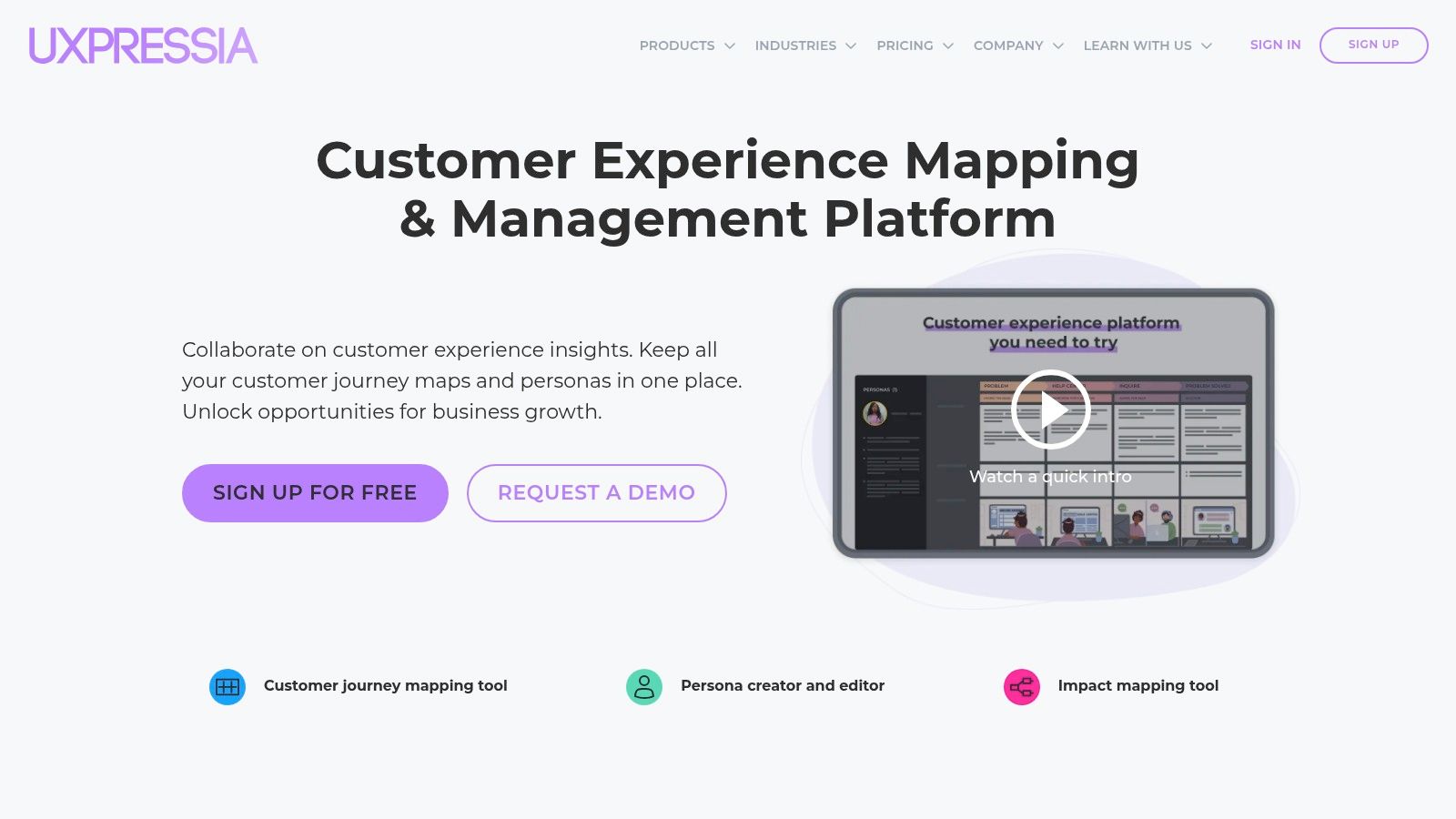
UXPressia is the safest first buy for a team that needs journey maps, personas, and impact maps in one workspace. The editor gives you stages across the top and lanes for touchpoints, channels, emotions, and KPIs down the side, and a persona you build once shows up in every map you attach it to.
Structure is the selling point. Mordor Intelligence's customer journey analytics analysis puts journey mapping and visualization at 32.60% of application revenue in 2025, with cloud deployment at 61.65% of market size the same year, which tells you buyers treat the visual layer as the product rather than a bonus attached to a database.
- Template library that earns its keep: more than 100 map templates and customizable sections, so a first draft takes an afternoon instead of a week.
- Personas wired into maps: change a persona detail once and the journey view follows, which kills the copy-paste drift that ruins deck-based maps.
- Exports on paid plans: CSV and PDF output, presentations, integrations, and AI assistance, which is also where the free tier stops.
The limitation: the free plan caps you at three journey maps, three personas, and three impact maps, and per-user pricing climbs once reviewers need seats. It also has no idea what happened on your storefront this afternoon.
For a Shopify store, build the map from real session data rather than interviewing the team about what they think happens. UXPressia is the map. The evidence lives elsewhere.
<a id="2-smaply"></a>
2. Smaply
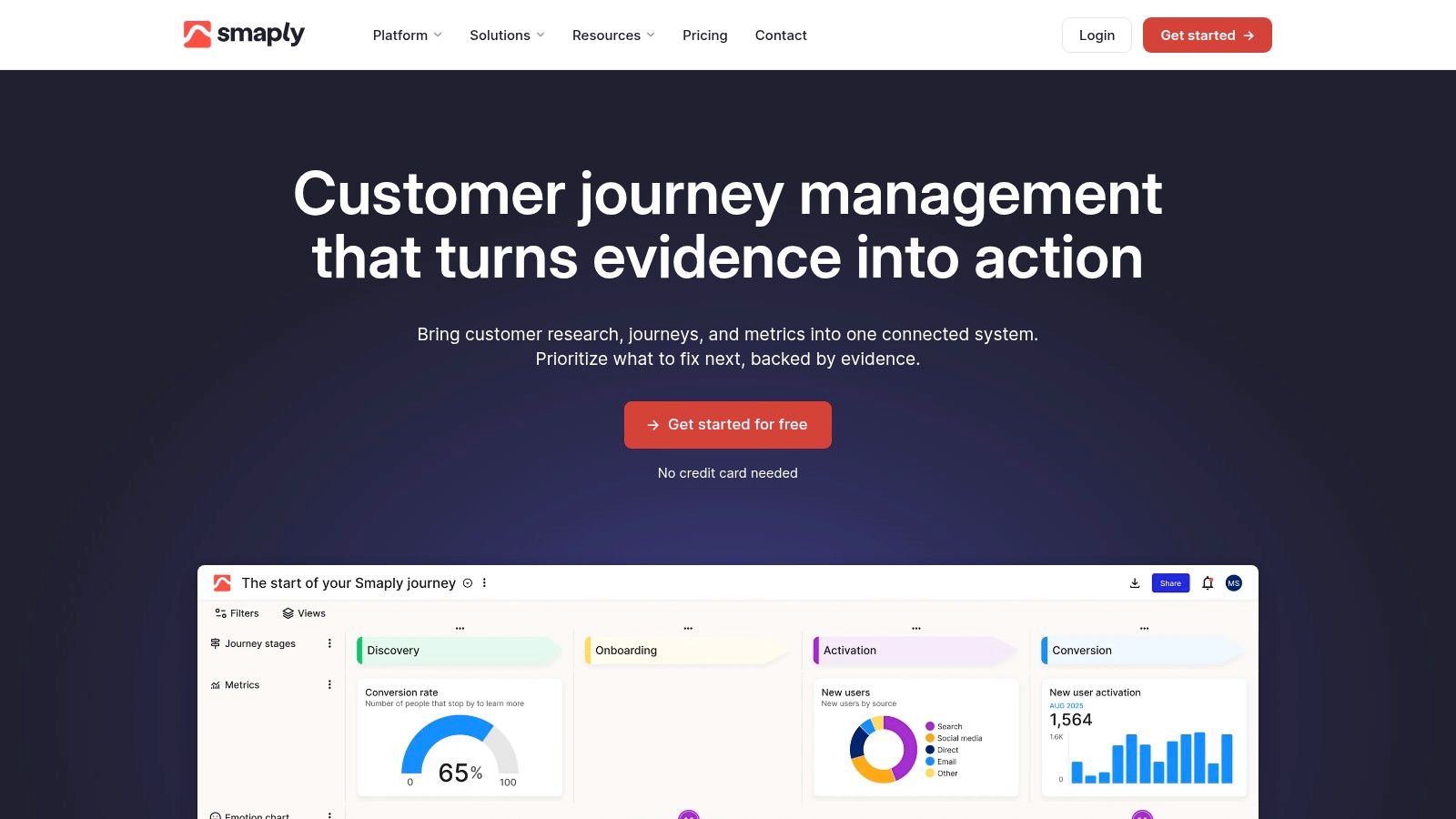
Journey maps rot. Smaply is built around the assumption that they will, and it gives you the connective tissue to keep them alive: stages and steps, plus lanes for emotions, channels, metrics, and pain points, with research evidence and metrics pinned to the moment they describe.
The category it belongs to is growing fast. Market Research Future's journey mapping software forecast valued the market at USD 13.6 billion in 2025 and projects USD 65 billion by 2034, a 19% compound annual growth rate. Treat that as a projection built on one analyst's definition, not a fact about your budget. The direction holds: buyers want end-to-end visibility, not a prettier diagram.
<a id="where-it-earns-its-place"></a>
Where It Earns Its Place
- Pain point to opportunity flow: cards for pain points, opportunities, and solutions, so a map produces a prioritized list instead of a wall of sticky notes.
- Integrations on paid tiers: Google Analytics, Power BI, and Jira. The Jira link matters most, because it turns a bad step into a ticket with an owner attached.
- Shallow learning curve: a first map is quick, and a free tier plus trial lets you test with one real journey before paying.
The limitation: detailed maps are hard to present compactly, and the structure demands setup before a 90-minute workshop produces anything usable. Smaply rewards teams who will maintain the thing they build.
<a id="3-custellence"></a>
3. Custellence
Custellence stands out for map structure and straightforward team pricing. Sub-lanes, reusable templates, journey hierarchies, and presentation mode help teams organize related maps and share them without first exporting a file.
The Collaborate plan is priced as a flat team fee rather than a per-seat charge. That can work well when several people need to edit; for a small group with only a couple of editors, the value may be less clear.
- Swim lanes and customization: Adapt lanes to your process instead of reshaping the process around fixed defaults.
- Sharing and exports: Comments, user roles, and PDF, PNG, and CSV exports let stakeholders review a map even if they do not log in.
- Low setup cost: A free plan without a credit card gives a small team room to build an initial map.
The limitation: Integrations are limited compared with broader CX platforms, and the entry plan restricts users and maps. One reviewer also reported that support was not always available during US working hours.
Exports create a data-governance decision, especially when maps contain customer details. Privacy guidance on journey mapping under GDPR and CCPA covers legal bases, consent, transparency, data-subject rights, geographic controls, and handling requirements under both regimes. Check which exported columns contain personal data before sharing a CSV.
Custellence keeps map creation and sharing simple. The trade-off is that teams must manage exported customer data with care.
<a id="4-miro"></a>
4. Miro

Say a product lead, a marketer, a support manager, and a sales lead need to agree on where checkout breaks. Miro gets that argument onto one canvas in under an hour, because everyone already has an account and the journey templates, sticky notes, voting, and timers sit in the same place.
That's a real advantage and it's also the trap.
A workshop canvas captures what the room believes. Useful as a hypothesis, worthless as a measurement.
- Templates and infinite canvas: customer journey layouts plus diagramming shapes and connectors when the map needs to sit beside a flow.
- Workshop machinery: real-time editing, facilitation tools, comments, voting, and AI for synthesizing research and organizing board content.
- Delivery links: task cards, Kanban views, and Jira or Azure DevOps integrations, so actions from the session land somewhere actionable.
The limitation: a board stays a standalone diagram unless someone is paid to maintain it. The free plan limits teams to three editable boards, and without a shared format, five people produce five different maps.
When journeys cross storefront, email, chat, and a wholesale portal, map the omnichannel view first and use Miro to argue about the gaps, not to store the answer.
<a id="5-theydo"></a>
5. TheyDo
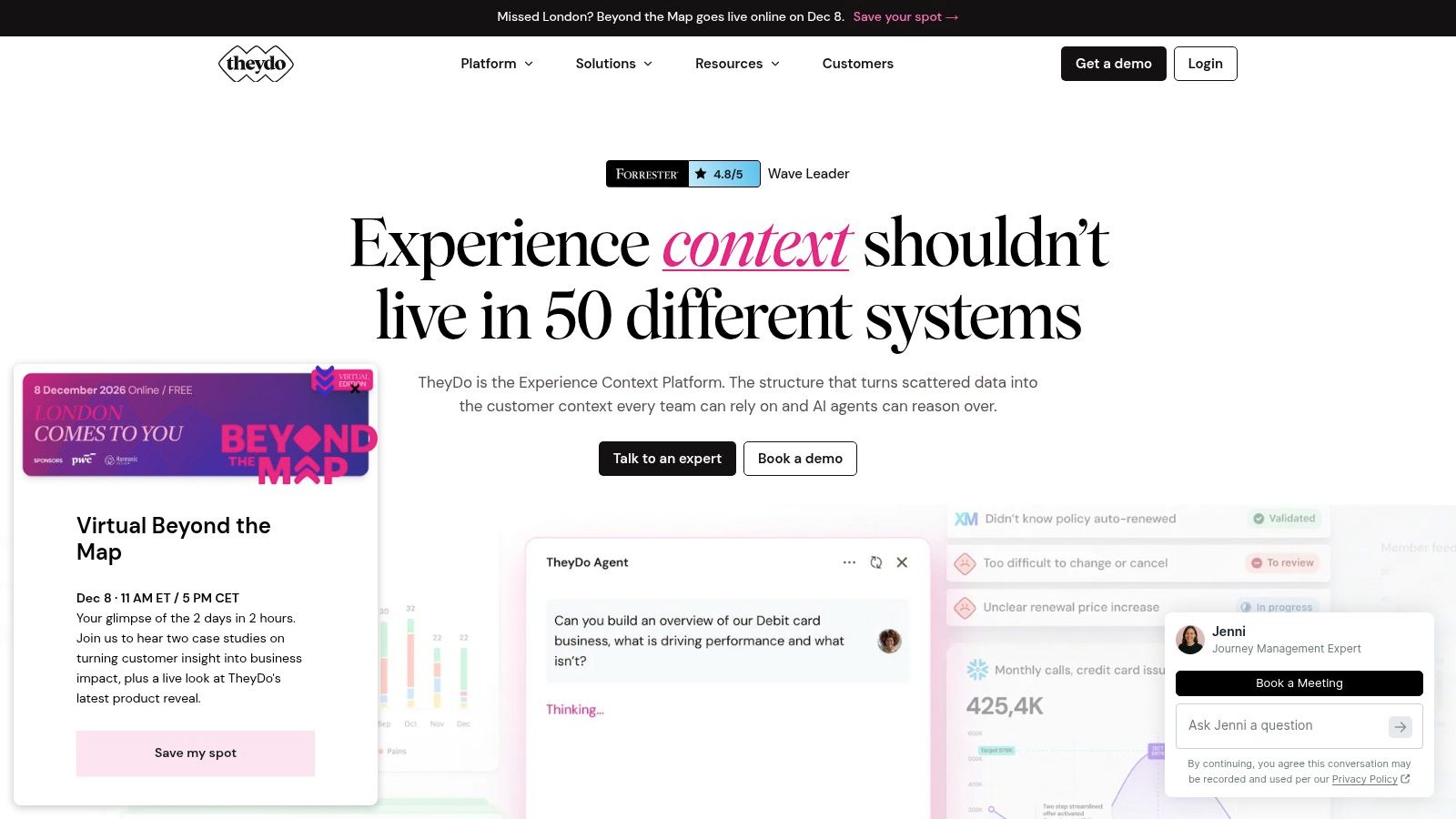
TheyDo isn't a mapping tool with features bolted on. It's a system for running journey work as a program, with phases, steps, and information lanes, and every step wired to insights, opportunities, solutions, goals, and metrics.
Adoption data explains why enterprise tools look like this. A customer journey mapping tools statistics review reports adoption at roughly 65–75% among enterprises with more than USD 1 billion in revenue, 40–50% among mid-market organizations, and 15–25% among small and midsize businesses. That last figure isn't a failure. Smaller teams get more from a simple tool plus a live view of real sessions.
<a id="what-youre-actually-buying"></a>
What You're Actually Buying
- Journey libraries and frameworks: multiple maps across brands, regions, or product lines stay consistent instead of diverging.
- Evidence chain: research, opportunities, and improvement work sit beside the step they explain, which is what makes a map defensible to a leadership team.
- Trial terms: 30 days with two users, five journeys, and unlimited viewers, enough to test with one real map.
The limitation: paid plans are annual, priced through a sales conversation, and need adoption across several teams to justify the spend. If the goal is customer experience optimization rather than documentation, weigh how much of the work will happen outside the platform. TheyDo is a commitment, not a trial purchase.
<a id="6-milkymap"></a>
6. Milkymap
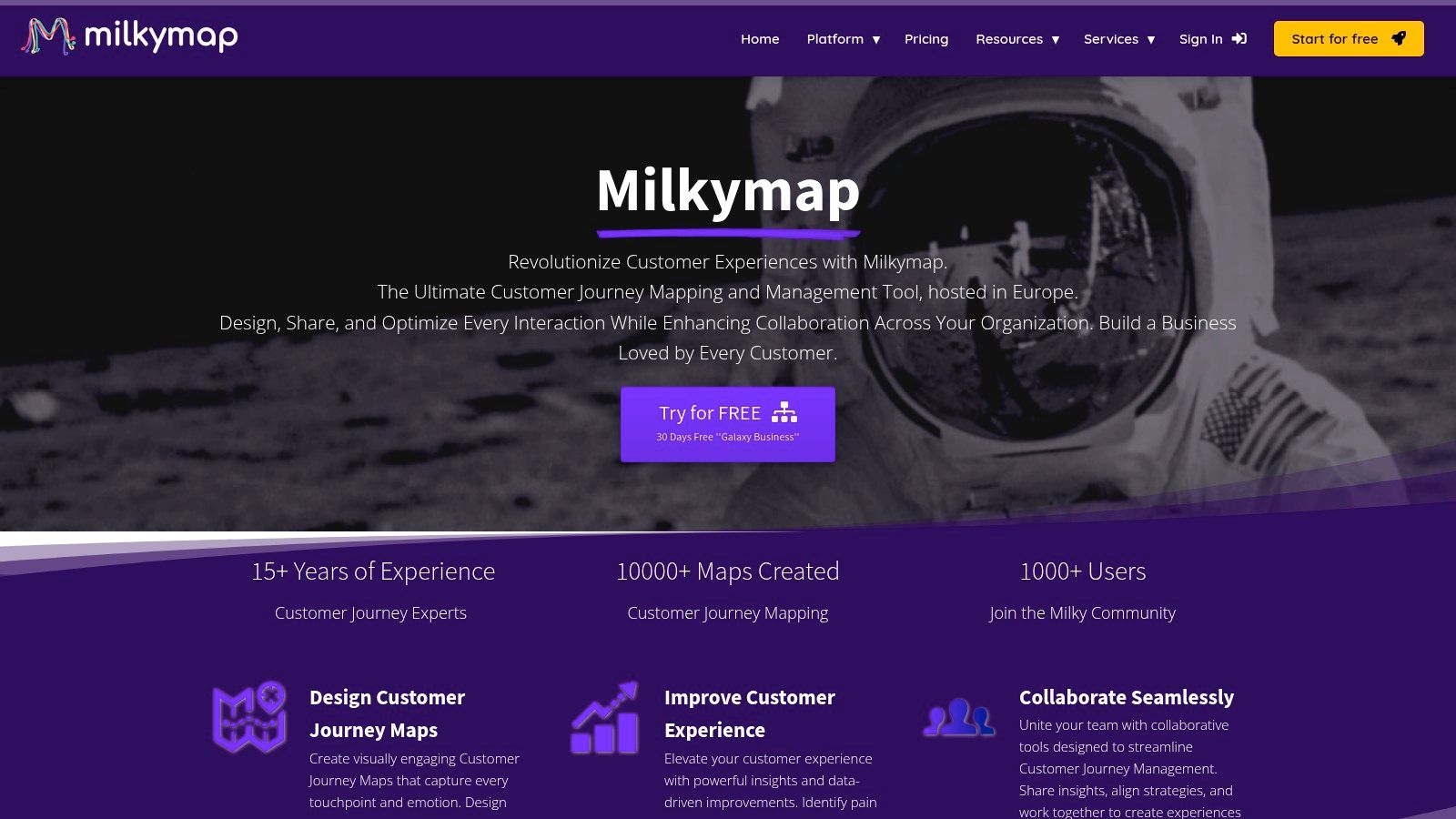
Milkymap is opinionated, and that's the reason to consider it. Journeys are built as episodes with touchpoints, personas, and an emotion line, and a CX lifecycle model lets you view the same journey from different customer groups or offerings.
Teams with an established CX method tend to like it. Teams improvising their first map tend to fight it.
- Emotion mapping as a first-class lane: the curve is the deliverable rather than an afterthought, which helps when you're arguing for budget on a retention journey.
- Action tracking: improvement items attach to the moment they fix, so the map produces a work list.
- Low entry cost: a free individual plan and a cheap individual tier let one person test the method before the team commits.
The limitation: the free plan covers one user and three maps, and shared real-time editing requires a Business or Enterprise plan, which stings if your whole plan is a co-creation workshop. Some integrations and enterprise terms go through the vendor. Milkymap suits a CX lead who already knows what a good map looks like and needs the method enforced.
<a id="7-journeytrack"></a>
7. JourneyTrack
JourneyTrack tries to close the loop between the map and the work. Journeys, personas, workshops, prioritization, health measures, and data connections live in one place, and higher tiers add voice-of-customer, analytics, and project-management integrations.
Know the market context before you see the price. An independent analysis cited by The CX Lead's review of journey mapping tools estimated the global customer journey analytics market at about USD 2.48 billion in 2024, projecting roughly USD 9.02 billion by 2032 at a 16.31% compound annual growth rate. That's a projection from one analyst, and you're buying into a category consolidating around fewer, bigger platforms.
<a id="the-case-for-it"></a>
The Case For It
- Free Basic option: 30 days with up to three journeys and three users, enough for one honest pilot.
- Step-level health metrics: the difference between "the journey is bad" and "step four loses people".
- Unlimited editors and viewers on paid tiers: relevant when journeys get reviewed widely rather than edited by two people.
The limitation: published paid pricing is steep for small and mid-sized merchants, some analytics integrations sit on higher tiers, and an AI-generated starting map still needs checking against evidence you trust. JourneyTrack is a serious tool with a budget to match.
<a id="8-figjam"></a>
8. FigJam
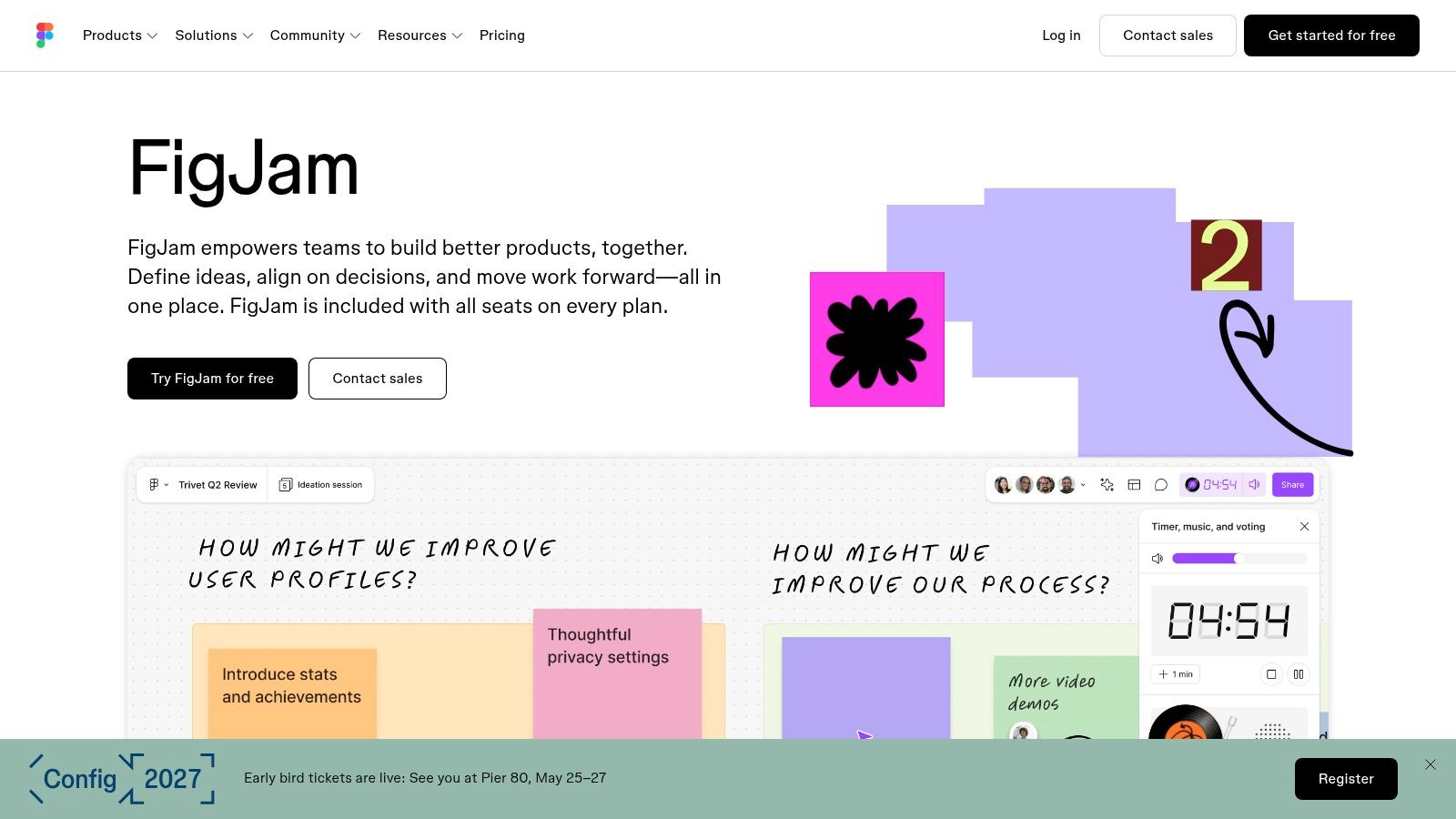
If your design team already works in Figma, the cheapest journey map you'll ever make is a FigJam board sitting next to the screens it describes. Tables, sticky notes, connectors, voting, and AI features are all there, and jumping from a wireframe to the journey behind it takes one click.
Convenience isn't maintenance.
- Proximity to design work: links to other Figma files keep the map and the prototype in the same conversation instead of in two tabs.
- Workshop features: voting and facilitation tools make a 60-minute session end with a decision rather than a board full of opinions.
- Free Starter plan: enough to try the format without a purchase order.
The limitation: it's a general whiteboard with no journey repository behind it. Complex maps need manual formatting, and Figma seat types plus product access make billing harder to predict than a flat team plan. FigJam is where a map gets started, not where it ages well.
<a id="9-lucidchart"></a>
9. Lucidchart

Lucidchart is the pick when a journey has to hand off to an operations team. Customer journey templates give you the layout, and the diagramming underneath lets the map connect to process flows, ownership boxes, and system handoffs without a second tool.
If the deliverable is a readable diagram an ops lead can act on, Lucidchart usually wins the room. If it's a living dataset, it doesn't.
- Presentation mode and collaboration: comments, chat, and a shareable view that works for stakeholders who never open a design tool.
- Diagramming range: process maps, swimlanes, and Visio import or export on eligible plans, which matters in organizations already sitting on Visio files.
- Access: a free account and a seven-day trial, plus an individual plan with unlimited documents and shapes.
The limitation: journey mapping is one use of a diagramming product, so there's no journey-specific workflow for evidence, ownership, or prioritization. The free account caps you at three editable documents and 60 shapes per document. Lucidchart fits process-heavy work with clear handoffs.
<a id="10-mural"></a>
10. Mural
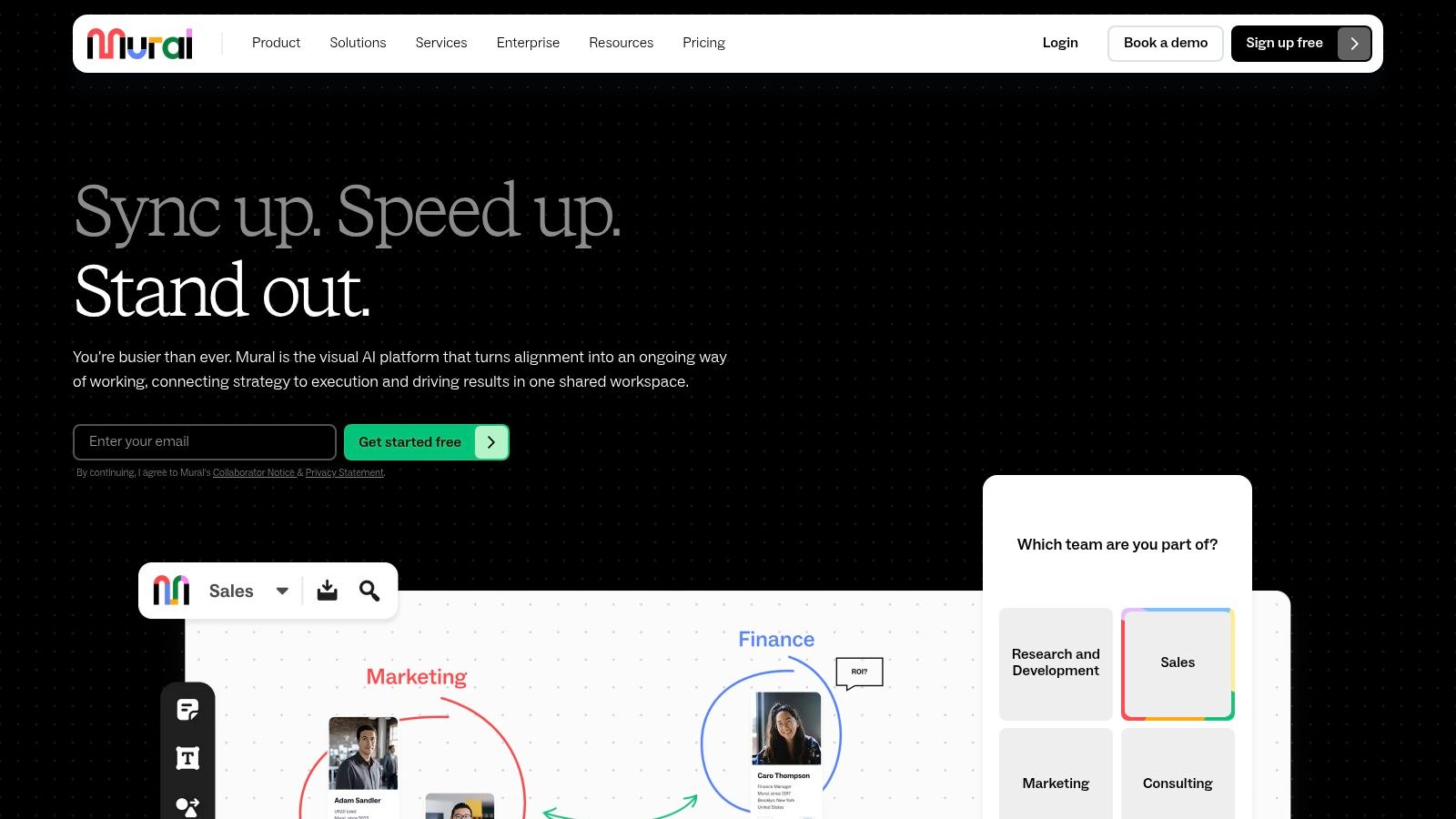
Mural is built for the room. Timers, private mode, voting, and one-time visitor access exist so twelve people can contribute to a journey without a license negotiation, and the customer experience and user journey templates give that session a shape.
It's a good workshop tool. It isn't a journey system, and the honest version of this pick says so out loud.
- Facilitated co-creation: templates and facilitation features tuned for gathering input from teams that don't share a vocabulary yet.
- Visitor access: one-time collaborators join without buying a seat, which keeps customer interviews and agency sessions simple.
- Free plan scope: unlimited members and visitors, with limits on how many murals are editable at once.
The limitation: maps are built and maintained by hand, and governance plus analytics depend on systems outside the canvas. Mural gives you a strong session and leaves the record-keeping to you.
<a id="best-customer-journey-mapping-software-at-a-glance"></a>
Best Customer Journey Mapping Software at a Glance
These tools do different jobs. Dedicated CX platforms structure journey work, whiteboards support collaborative mapping, and enterprise systems coordinate journeys across teams. The best fit depends on whether you need a map, a shared working process, or ongoing journey management.
| Tool | Free plan | Starting point | Best for | Tool type |
|---|---|---|---|---|
| UXPressia | Limited to three journey maps, three personas, and three impact maps | Paid plans priced per user | Teams mapping journeys, personas, and impact maps | Dedicated customer experience platform |
| Smaply | Free tier and full-featured trial available | Paid plans priced per editor | Connecting maps to research, metrics, and improvement work | Journey mapping and management platform |
| Custellence | Limited users and maps | Collaborate plan: $199/month or $1,999/year | Collaborative mapping with predictable team pricing | Dedicated journey mapping platform |
| Miro | Limited to three editable boards | Paid Starter and Business plans | Co-creating maps alongside research and project work | Visual collaboration workspace |
| TheyDo | 30-day trial with two users and five journeys | Annual plans; contact sales | Coordinating journey work across teams or markets | Enterprise journey management platform |
| Milkymap | Free individual plan, limited to one user and three maps | Paid options for added features and collaboration | Organizing multiple journeys with a structured CX approach | Customer experience platform |
| JourneyTrack | Free Basic option for 30 days, with up to three journeys and three users | Paid plans aimed at larger budgets | Operationalizing journey work with metrics and integrations | Journey mapping and CX operations platform |
| FigJam | Free Starter plan available | Paid plans available | Product and design teams working in Figma | Collaborative whiteboard |
| Lucidchart | Free account and seven-day trial | Paid plans; pricing varies by plan | Linking journey diagrams to processes and operational handoffs | Diagramming application |
| Mural | Available, with limits on editable murals | Paid plans add features and controls | Gathering input through workshops and co-creation | Visual collaboration workspace |
The table separates tools by their working model, not just their feature lists. UXPressia, Smaply, Custellence, and Milkymap focus on structured journey work; Miro, FigJam, and Mural are visual collaboration spaces, so teams manage journey evidence and upkeep themselves. TheyDo and JourneyTrack target operational coordination, while Lucidchart connects diagrams to process handoffs.
Pricing details are not equally specific across these options. Where a starting price is not stated here, compare the relevant plan's limits and billing basis rather than treating “paid plans” as a comparable entry point. A low-cost canvas can be enough for a workshop, but it does not replace a system for maintaining evidence or coordinating changes.
<a id="choosing-your-tool-with-a-practical-buying-checklist"></a>
Choosing Your Tool With a Practical Buying Checklist
Start with the category, not the product. If you need three maps, a shared vocabulary, and a place to argue, buy a visual workspace and stop there. If maps must survive staff turnover and answer questions about evidence, buy a dedicated CX platform. If journey work spans brands, regions, and a dozen teams, you're shopping enterprise systems and should budget for implementation and internal governance, not just licenses.
Then test properly. Build one real journey in the free tier, using a step you're unsure about, and watch how long it takes to add evidence, not how pretty the output looks.
The honest test: name the owner of your worst step and the number behind it. If nobody can, you bought a drawing tool.
- Check the export path on the plan you'll buy. CSV, PDF, and API access are the features most often gated behind an upgrade, and locked exports are how maps become screenshots.
- Count viewers separately from editors. Journey work involves far more readers than writers, and per-user pricing punishes the wrong group.
- Confirm the integration tier. Analytics and project-management connections usually sit one level above the plan in the demo.
- Ask what breaks the map in six months. If the answer is "nothing, someone updates it weekly", find out who that someone is.
Abandonment is the number most maps get wrong. Baymard Institute reported that roughly 70% of online shopping carts were abandoned before purchase, based on an unweighted average of 50 studies published from 2006 through 2025, with its latest 2025 study recording 71.72%, as compiled in Statistics Global's cart abandonment summary. A map with an abandonment stage and no data behind it is decoration.
For Shopify merchants, pair the mapping tool with live cart and visitor tracking. Cart Whisper | Live View Pro, built for Shopify, shows real-time cart activity, which products shoppers view, add, and remove, where they hesitate, plus logged-in customer and company details for B2B accounts, and it exports activity as CSV to check against your journey data. Unique Cart IDs let support open the exact cart a shopper is stuck in.
Pilot with one journey and one owner for four weeks, then roll out to a second team only after the first map changes a decision. Revisit the tool choice when journey work matures, because the buyer who needed a workshop canvas in year one often needs a repository in year two, and that's a category change rather than an upgrade.
Journey maps get more useful the moment they sit beside live behavior. Cart Whisper | Live View Pro shows which pages and products each shopper views, what they add to and remove from carts, the searches and UTM sources behind the visit, and the exact Cart ID support can open to help, with all activity exportable as CSV for your journey analysis. Install it from the Cart Whisper | Live View Pro listing and build your next journey from what shoppers did.